How to Setup cPanel Business Email in Outlook: Complete IMAP/POP3 & SSL Configuration Guide
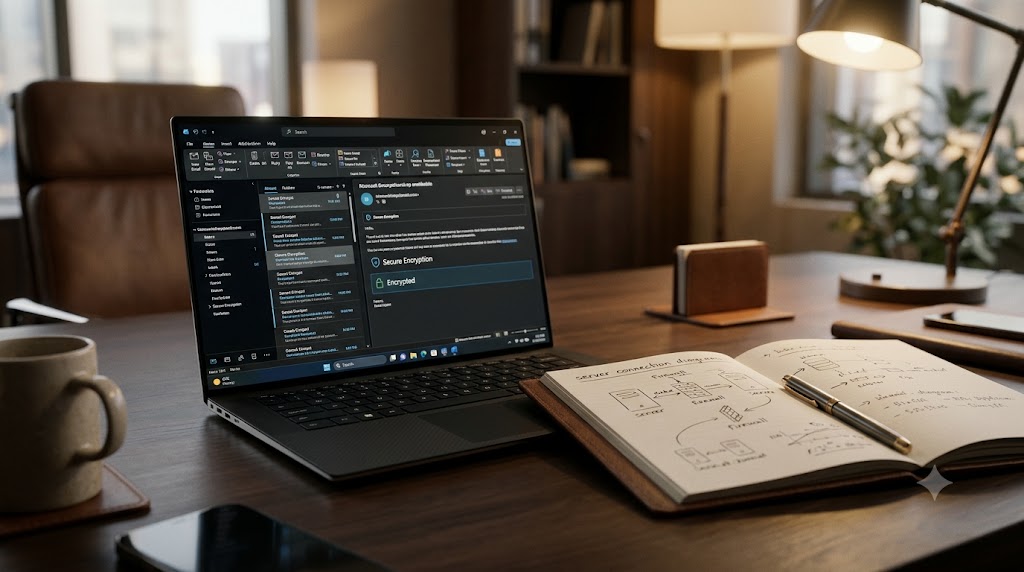
To configure your cPanel business email in Microsoft Outlook securely, choose IMAP as the account type, enter your full email address (e.g., info@yourdomain.com) as both username and email, set the Incoming Server (mail.yourdomain.com) to Port 993 (SSL/TLS), and the Outgoing SMTP Server to Port 465 (SSL/TLS). Always verify that “My outgoing server (SMTP) requires authentication” … Read more